ShipKit Docs home page
Search...
⌘K
Support
Dashboard
Dashboard
Search...
Navigation
Quickstart
Download a TypeScript boilerplate
Documentation
Components
Quickstart
Introduction
Download
CLI
Astro
Getting started
Public Pages
Private Pages
Next.js
Getting started
Public Pages
Private Pages
Frameworks
Introduction
React
Vue
Svelte
Solid.js
Preact
Databases
Introduction
Drizzle
Prisma
PostgreSQL
MySQL
SQLite
Neon
Turso
Authentication
Introduction
Lucia
Supabase
Clerk
Google OAuth
Payments
Introduction
Emails
Introduction
Design
Introduction
Analytics
Introduction
PostHog
Plausible
Deploy
Introduction
Node
Netlify
Vercel
Support
Email
On this page
Base framework
Framework
ORM
Database
Authentication
Output
Download
Next steps
Quickstart
Download a TypeScript boilerplate
You’ll need a ShipKit account to download a boilerplate.
Sign up
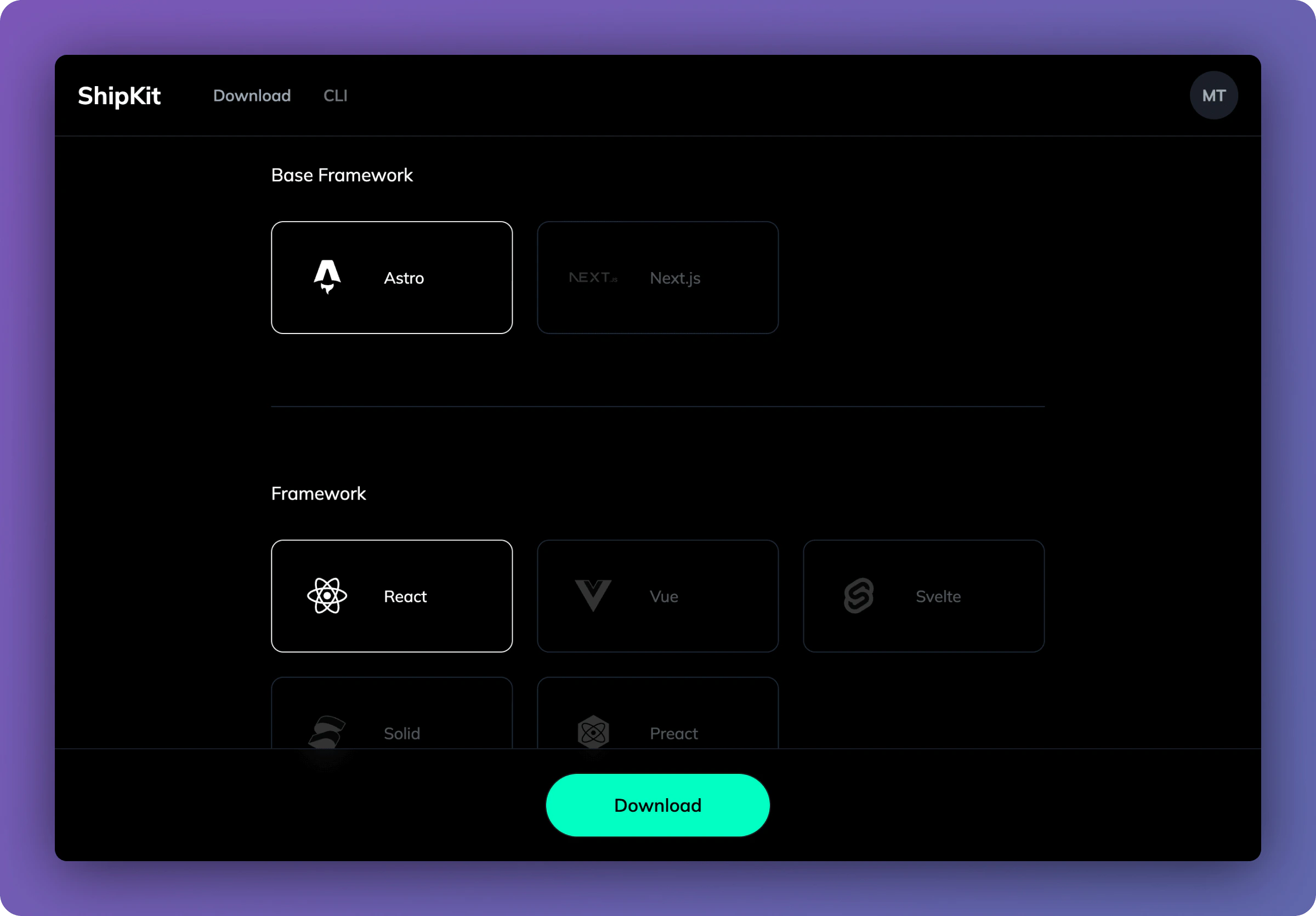
To download a boilerplate, head to the
Dashboard
. Here you’ll be able to choose the exact tech you want within your boilerplate.
Base framework
First choose a base framework for your project:
Astro
Next.js
Framework
If you chose Astro, you can choose on of the following frameworks:
React
Vue
Svelte
Solid.js
Preact
Next.js only comes with React.
ORM
Choose the ORM you want to use:
Drizzle
Prisma
Database
Choose the database for your ORM:
Drizzle
PostgreSQL
MySQL
SQLite
Neon
Turso
Prisma
PostgreSQL
MySQL
SQLite
Authentication
Choose the authentication provider you want to use:
Lucia
Supabase
Clerk
(only available for React)
Output
Choose how you want to deploy your project:
Node
Netlify
Vercel
Download
Finally, select the download button to download your boilerplate. Your boilerplate will contain all the necessary files to get started with your project.
Next steps
Astro
Get started with your Astro project
Next.js
Get started with your Next.js project
Introduction
CLI
⌘I