> ## Documentation Index
> Fetch the complete documentation index at: https://docs.shipkit.app/llms.txt
> Use this file to discover all available pages before exploring further.
# Download a TypeScript boilerplate
You'll need a ShipKit account to download a boilerplate. [Sign up](https://shipkit.app/sign-up)
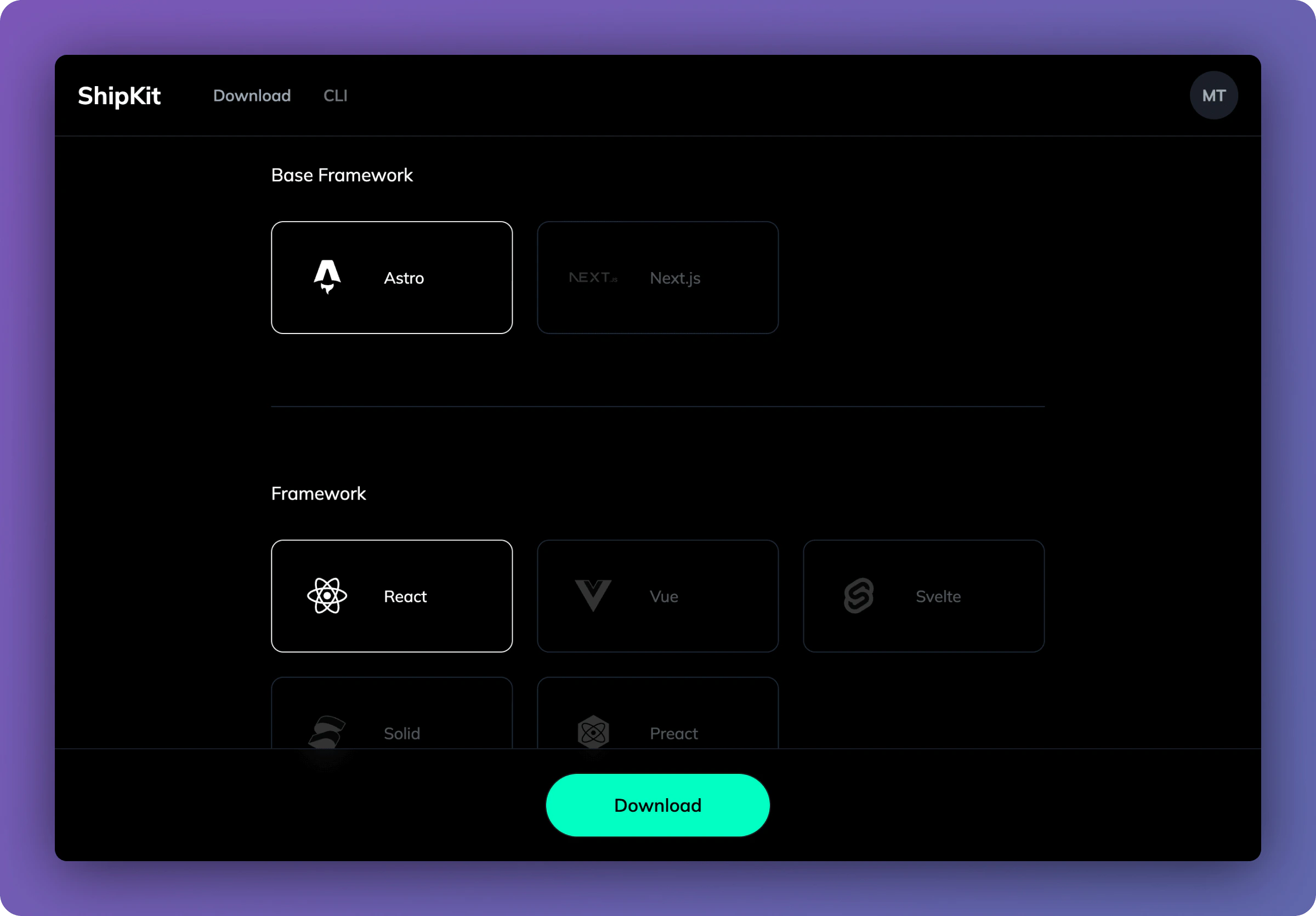
To download a boilerplate, head to the [Dashboard](https://shipkit.app/dashboard). Here you'll be able to choose the exact tech you want within your boilerplate.
 ## Base framework
First choose a base framework for your project:
* [Astro](/astro/getting-started)
* [Next.js](/next/getting-started)
## Framework
If you chose Astro, you can choose on of the following frameworks:
* [React](/frameworks/react)
* [Vue](/frameworks/vue)
* [Svelte](/frameworks/svelte)
* [Solid.js](/frameworks/solid)
* [Preact](/frameworks/preact)
Next.js only comes with React.
## ORM
Choose the ORM you want to use:
* [Drizzle](/databases/drizzle)
* [Prisma](/databases/prisma)
## Database
Choose the database for your ORM:
Drizzle
* [PostgreSQL](/databases/postgresql)
* [MySQL](/databases/mysql)
* [SQLite](/databases/sqlite)
* [Neon](/databases/neon)
* [Turso](/databases/turso)
Prisma
* [PostgreSQL](/databases/postgresql)
* [MySQL](/databases/mysql)
* [SQLite](/databases/sqlite)
## Authentication
Choose the authentication provider you want to use:
* [Lucia](/auth/lucia)
* [Supabase](/auth/supabase)
* [Clerk](/auth/clerk) (only available for React)
## Output
Choose how you want to deploy your project:
* [Node](/deploy/node)
* [Netlify](/deploy/netlify)
* [Vercel](/deploy/vercel)
## Download
Finally, select the download button to download your boilerplate. Your boilerplate will contain all the necessary files to get started with your project.
## Next steps
Get started with your Astro project
Get started with your Next.js project
## Base framework
First choose a base framework for your project:
* [Astro](/astro/getting-started)
* [Next.js](/next/getting-started)
## Framework
If you chose Astro, you can choose on of the following frameworks:
* [React](/frameworks/react)
* [Vue](/frameworks/vue)
* [Svelte](/frameworks/svelte)
* [Solid.js](/frameworks/solid)
* [Preact](/frameworks/preact)
Next.js only comes with React.
## ORM
Choose the ORM you want to use:
* [Drizzle](/databases/drizzle)
* [Prisma](/databases/prisma)
## Database
Choose the database for your ORM:
Drizzle
* [PostgreSQL](/databases/postgresql)
* [MySQL](/databases/mysql)
* [SQLite](/databases/sqlite)
* [Neon](/databases/neon)
* [Turso](/databases/turso)
Prisma
* [PostgreSQL](/databases/postgresql)
* [MySQL](/databases/mysql)
* [SQLite](/databases/sqlite)
## Authentication
Choose the authentication provider you want to use:
* [Lucia](/auth/lucia)
* [Supabase](/auth/supabase)
* [Clerk](/auth/clerk) (only available for React)
## Output
Choose how you want to deploy your project:
* [Node](/deploy/node)
* [Netlify](/deploy/netlify)
* [Vercel](/deploy/vercel)
## Download
Finally, select the download button to download your boilerplate. Your boilerplate will contain all the necessary files to get started with your project.
## Next steps
Get started with your Astro project
Get started with your Next.js project