> ## Documentation Index
> Fetch the complete documentation index at: https://docs.shipkit.app/llms.txt
> Use this file to discover all available pages before exploring further.

# Feature
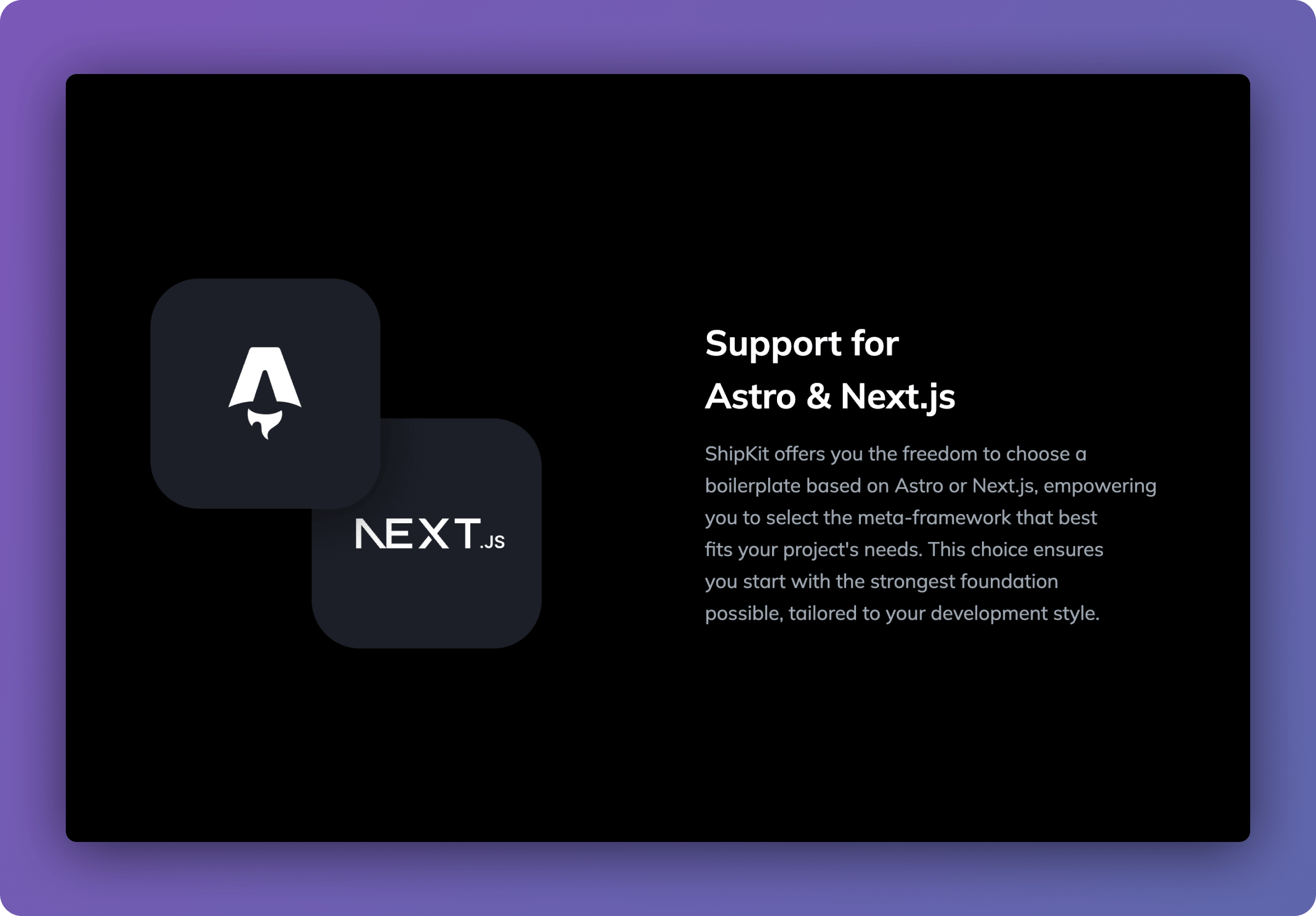
<img src="https://mintcdn.com/shipkit/HuQd_kWdB4hOr_Br/images/feature.png?fit=max&auto=format&n=HuQd_kWdB4hOr_Br&q=85&s=898ab73ebf1245063a5b7ce53d632efe" alt="Feature" width="2400" height="1670" data-path="images/feature.png" />

## Usage

<Tabs>
  <Tab title="Astro">
    ```tsx theme={null}
    ---
    import { Feature } from '~/components';
    ---

    <Feature
      title="Support for Astro & Next.js"
      imageLight="https://assets.shipkit.app/placeholder/light/feature-astro-next.svg"
      imageDark="https://assets.shipkit.app/placeholder/dark/feature-astro-next.svg"
      text="ShipKit offers you the freedom to choose a boilerplate based on Astro or Next.js, empowering you to select the meta-framework that best fits your project's needs. This choice ensures you start with the strongest foundation possible, tailored to your development style."
    />
    ```
  </Tab>

  <Tab title="Next.js">
    ```tsx theme={null}
    import { Feature } from '~/components';

    export default async function Page() {
      return (
        <Feature
          title="Support for Astro & Next.js"
          imageLight="https://assets.shipkit.app/placeholder/light/feature-astro-next.svg"
          imageDark="https://assets.shipkit.app/placeholder/dark/feature-astro-next.svg"
          text="ShipKit offers you the freedom to choose a boilerplate based on Astro or Next.js, empowering you to select the meta-framework that best fits your project's needs. This choice ensures you start with the strongest foundation possible, tailored to your development style."
        />
      );
    }
    ```
  </Tab>
</Tabs>

## Props

<ResponseField name="title" type="string" required>
  The title of the feature.
</ResponseField>

<ResponseField name="text" type="string" required>
  The description of the feature.
</ResponseField>

<ResponseField name="imageLight" type="string">
  The image for the feature in light mode.
</ResponseField>

<ResponseField name="imageDark" type="string">
  The image for the feature in dark mode.
</ResponseField>

<ResponseField name="alt" type="string">
  The alt text for the image.
</ResponseField>

<ResponseField name="label" type="string">
  The label above the title of the feature.
</ResponseField>

<ResponseField name="reverse" type="boolean">
  Reverse the order of the image and text.
</ResponseField>
