> ## Documentation Index
> Fetch the complete documentation index at: https://docs.shipkit.app/llms.txt
> Use this file to discover all available pages before exploring further.
# Getting started with the ShipKit CLI
> A handy CLI tool to download a TypeScript boilerplate.
You'll need a ShipKit account in order to use the CLI. [Sign up](https://shipkit.app/sign-up)
## Installation
You can use the ShipKit CLI to download a TypeScript boilerplate to your local machine. Get started by installing the CLI using the npm package below.
npm
```
npx shipkit@latest
```
pnpm
```
pnpm dlx shipkit@latest
```
bun
```
bunx shipkit@latest
```
yarn
```
yarn dlx shipkit@latest
```
## Authentication
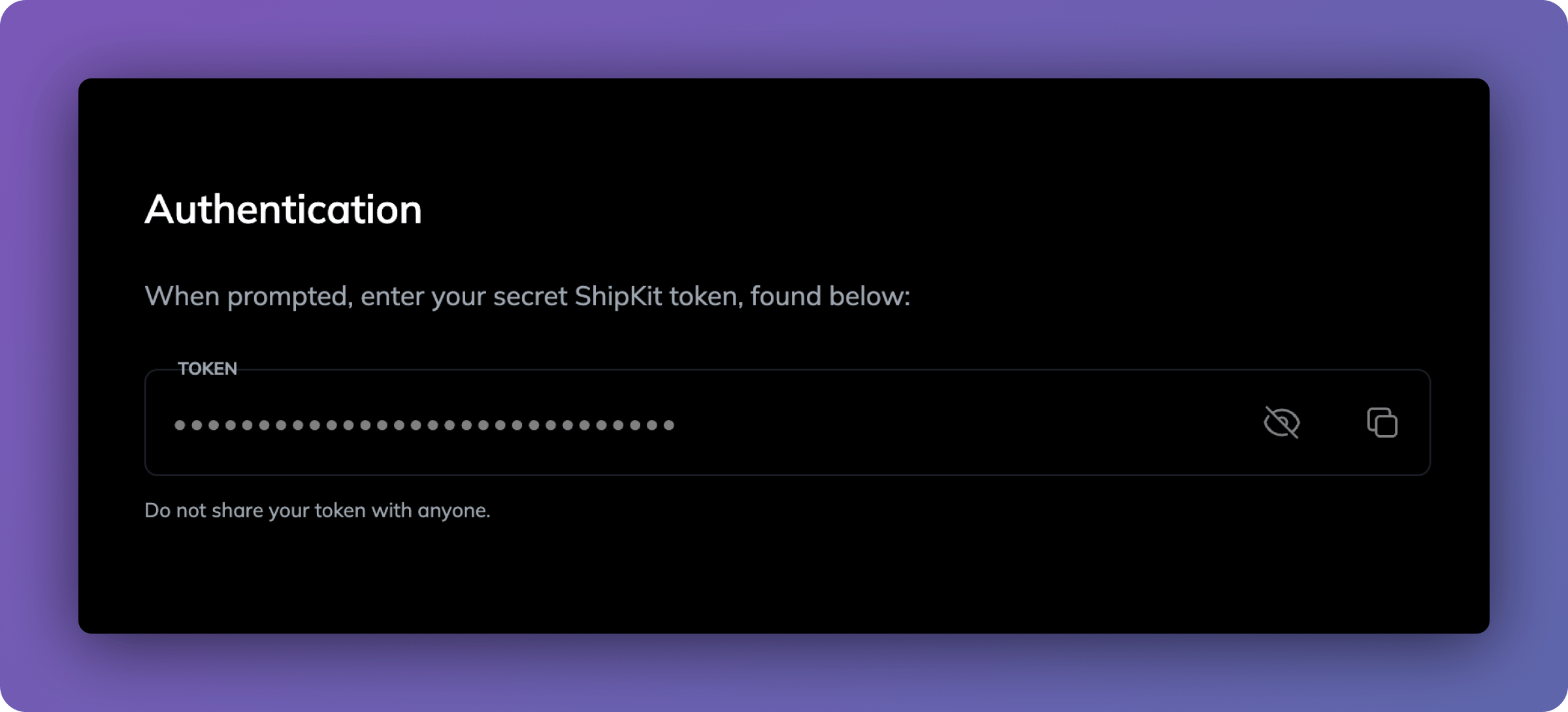
When prompted, enter your secret ShipKit token, found on the [Dashboard](https://shipkit.app/dashboard/cli#authentication)
 ## Download
The CLI will help you choose your tech stack and then download the boilerplate directly to your local machine.
## Next steps
Get started with your Astro project
Get started with your Next.js project
## Download
The CLI will help you choose your tech stack and then download the boilerplate directly to your local machine.
## Next steps
Get started with your Astro project
Get started with your Next.js project